
FlexDoc.XYZ - Templates / Designer GUI
- Template Components
- Component Properties
- FlexQuery Expression Editors and Assistant Dialog
- Location Path Chooser
- Template Parameters
- Stock-Sections
- Calling Subtemplates
Template Components
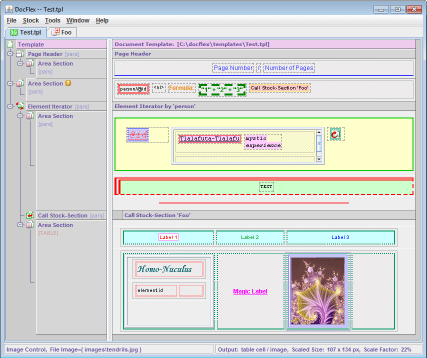
FlexDoc templates can be considered as a sort of computer programs, containing instructions interpreted by FlexDoc Generator. Such instructions are specified in the form of template components.Template components are the building blocks of templates and visualized in FlexDoc Template Designer. Almost everything you can see on the following screenshot depicts some template components.
Component Properties
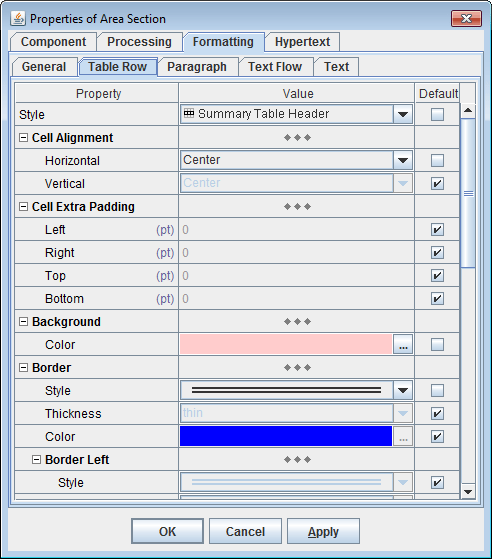
The interpretations of template components as well as their appearance in the Template Designer can be adjusted with component properties.Most of the component properties are specified statically in templates using special Property Inspectors:
FlexQuery Expression Editors and Assistant Dialog
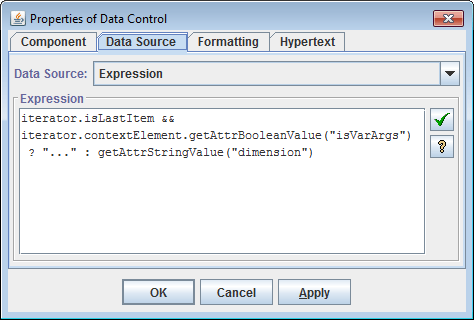
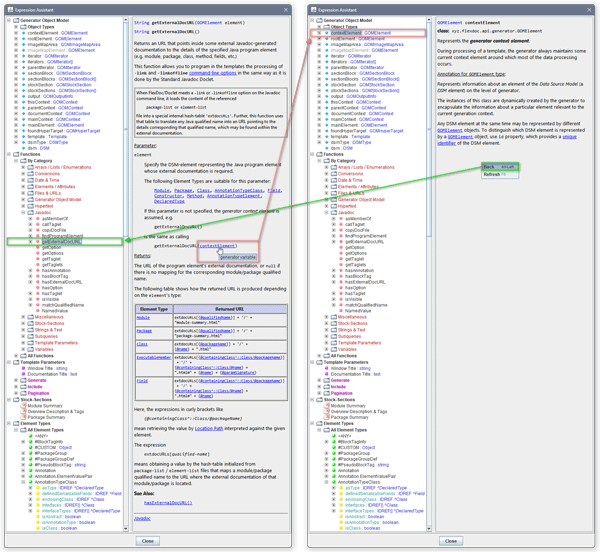
For programming convenience, all input fields for FlexQuery-expressions in FlexDoc Template Designer are implemented with the special Expression Editors supplied with the expression quick-check button:
Location Path Chooser
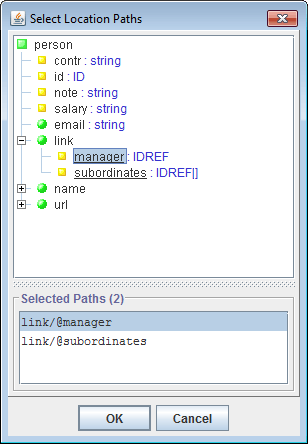
Location Paths, which are XPath-like expressions used in many settings within templates, can be selected using the special Location Path Chooser dialog:
Template Parameters
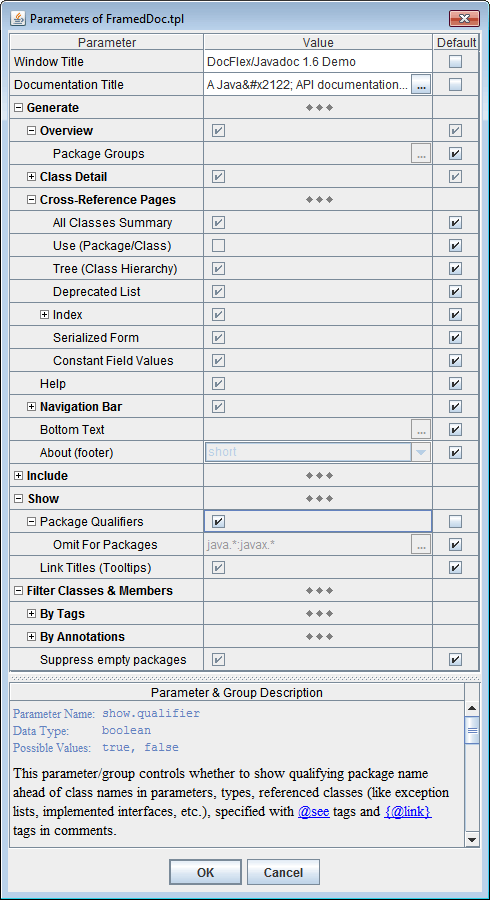
FlexDoc provides elaborated methods to handle template parameters. The following parameter types are supported:stringnumberbooleanenumtextobject
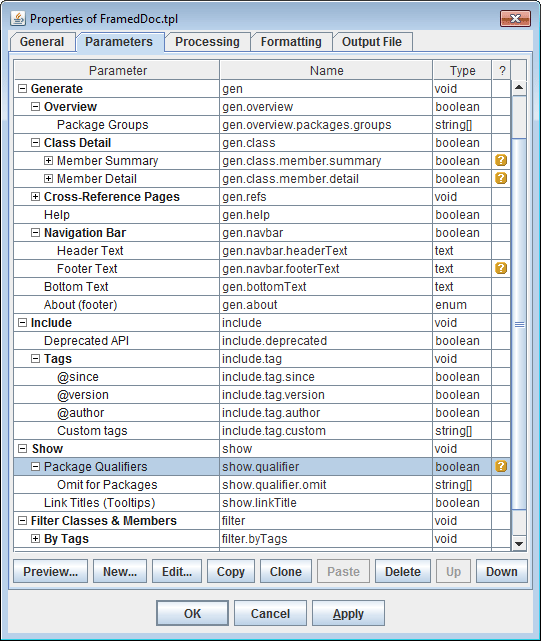
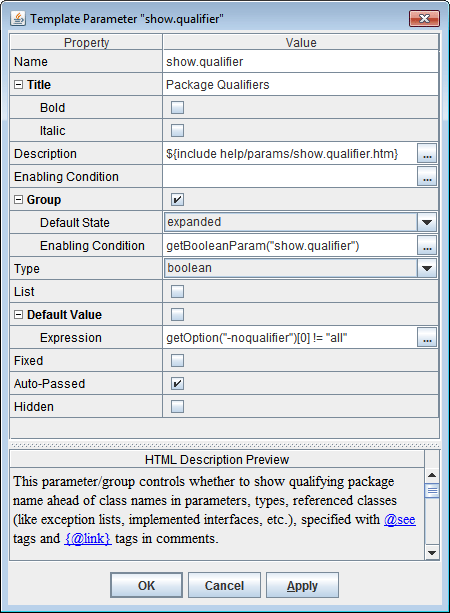
- parameter name
- description
- data type
- for the
enum-parameter, the list of the possible values - default value
- other settings
Stock-Sections
The small repeatable fragments of a template can be designed only once and, then, be put into the special template part called Template Stock in the form of stock-sections.
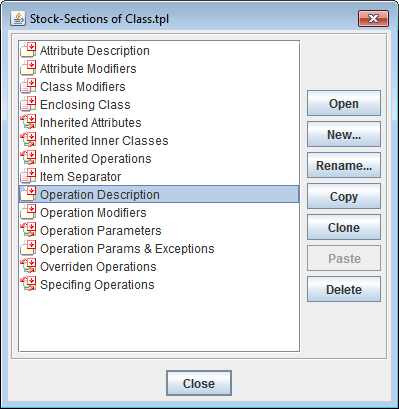
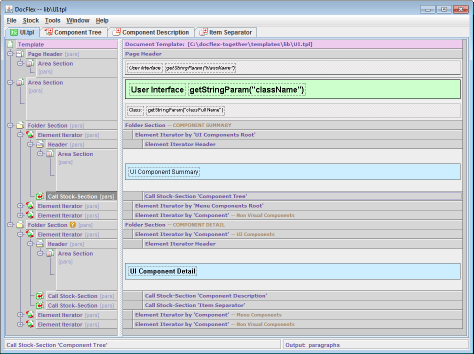
For more information, see documentation: Template Components, Stock-Sections, Call Stock-Section.
Calling Subtemplates
FlexDoc allows you to call from one templates another templates (subtemplates). Each called subtemplate can produce either the separate document or a fragment of the common document being generated by the calling one. This makes possible- Using a set of specifically designed templates, to generate any number of logically connected documents, whose creation, names and locations can be controlled by the processed data. In particular, this allows to generate a framed (HTML) documentation.
- To create a library of subtemplates which can be reused many times by calling them from the different application templates. This may help to reduce the project development time as well as to simplify its further maintenance and modifications.
- To generate single (RTF) documents containing section with their own sets of page header/footer.